 LinkedLeads
QR code business card generator and setup guide
By the LinkedLeads team. Updated .
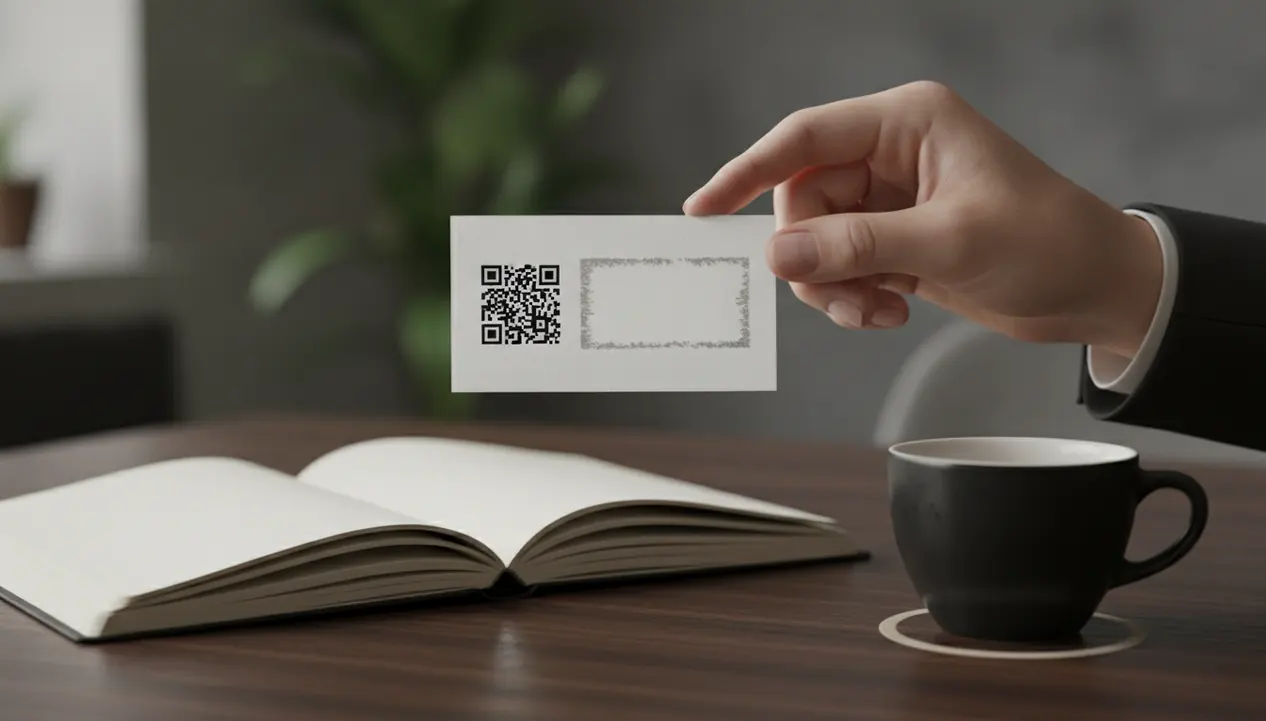
A qr code business card carries a code that either stores your contact details as a vCard or opens a page where people can save you and get in touch. Use a vCard QR code for the simplest save-to-phone, and a URL code when you want to update details or record who reached out.
Free QR code business card generator
Type your details. The QR code holds a vCard, so a phone camera offers to save you as a contact. It works offline and never expires. Nothing you type is uploaded.
How to make a vCard QR code in five steps
A qr code generator for business card use should do one job well. It turns your fields into a vCard and gives you an image you can print. Use the generator on this page, then follow these steps.
- Enter only the fields people need. Name, company, role, work phone, work email and your website cover most cards. vCard QR codes commonly encode exactly these fields under the RFC 6350 standard.
- Leave out anything sensitive. A static vCard QR code stores your fields inside the image, so anyone who can see or photograph it can read them.
- Generate the code and download the image.
- Scan it with at least two phones and two scanning apps before you print anything.
- Print it with a short label, and keep your phone number or email in plain text beside it.
If you want to see how the format works underneath, the vCard guide explains the fields and file types.
vCard QR code or URL QR code
There are two common ways to build a business card qr code. One holds your contact data. The other holds a web address. Your choice decides what you can change after printing.
| Type | What it stores | Best for | Watch out for |
|---|---|---|---|
| Static vCard QR code | Your contact fields, inside the code | Saving you to a phone in one scan | Anyone who sees the code can read the fields. A change means a new code. |
| URL QR code | A web address | A digital business card, booking page or form | You must check where the address leads |
| Dynamic QR code | Usually a redirect address | Changing the destination later and counting scans | Tracking features vary by provider |
Pick the vCard code if you rarely change jobs, numbers or titles and want zero dependencies. Pick a URL code if you want a booking link, a company profile or a form behind the scan. A digital business card is the usual destination for that second route, and our roundup of the best digital business cards can help you choose one.
Why a QR code on your card makes sense now
A TEAM LEWIS survey of 1,000 U.S. adults found that 68% had used a QR code at least once in the previous year. Usage was 83% among Gen Z and 81% among millennials. Most people you hand a card to already know how to scan.
Those figures describe scanning habits in general, not business card results. Treat them as a sign that the gesture is familiar, not as a promise of more meetings.
What to put in the code and what to keep out
The IETF vCard Credentials draft says anyone who can see a QR code can access its encoded data. It also says sensitive plaintext data must not go into vCard QR codes. For a card, that gives you a simple rule. Encode only what you would happily read aloud at a busy conference table.
- Good to encode: name, company, job title, work email, work phone, website.
- Better left out: home address, a personal mobile number, birthdays, notes about yourself you would not print on the card itself.
A URL code adds a different question. The page behind it may run analytics or other tracking scripts, so check what your provider's page loads before you hand out hundreds of cards.
Check the code before you trust it
The same IETF draft states that QR codes can be removed, altered or replaced on physical items. For you, that means two habits.
- Open the destination of any URL code yourself and confirm it is the page you meant.
- If you leave a stack of cards on a booth or table, glance at the top card now and then to make sure nothing has been stuck over the code.
Test on several phones and scanning apps before printing, and keep a non-QR route on the card. Printed phone and email details work when a phone is low on battery or a code is scuffed.
Label the code and give it one job
A bare square gives people no reason to lift their phone. A short label does. Pick one action per code.
- Save my contact. Best with a vCard code.
- Book 15 minutes. Best with a URL code pointing to your calendar.
- Get the company profile. Best with a URL code pointing to a PDF or page.
Put the label right next to the code, on the back if the front is full, and match the contact details with those in your copy-ready email signature generator. If you are still deciding on layout, the business card size guide covers dimensions and spacing, our collection of business card ideas shows designs to borrow, and the NFC business card guide covers tap-to-share as a companion to the code.
Turn a scan into a lead you can follow up
A scan is an interaction. A lead is an identifiable prospect with a recorded outcome, such as a form submission, a booked meeting or a CRM record. Track those stages separately.
- Scans, if your setup counts them.
- Identified contacts, meaning people who left a name and email.
- Meetings booked.
- Opportunities and revenue.
A plain vCard code only goes as far as step one for you, because the person saves you but you learn nothing about them. If you want their details, send the scan to a page with a short form or a booking link. Our guide to lead capture after a conversation shows how to ask for details without friction.
If you want the card, the capture and the follow-up in one place, LeadRel offers QR code business cards with AI notes and drafted follow-ups. It is made by the team behind LinkedLeads. Cards are one small piece of wider B2B lead generation, and the follow-up is where most of the value sits.
What your QR code says about who you are
A card is a tiny statement of identity. A cluttered card says you hope people will remember you. A card with one labeled code says you make the next step easy and you know what you want from a meeting.
Try this today. Write one sentence that finishes with: after we meet, I want this person to. Your answer is your label, and it decides whether you need a vCard code, a booking page or a company profile.
Limits worth knowing
A static vCard code cannot be edited, so a new phone number means a reprint. Standards and vendor pages tell you what is possible, but no independent study of QR code business cards has measured meetings, pipeline or revenue. Scanning also depends on the phone, the lighting and the print quality, which is why testing and a plain-text fallback matter. Treat the code as a convenient handoff, not a lead source on its own.
Questions people ask about qr code business card
What is a QR code business card?
It is a printed or digital business card with a QR code that either stores your contact details as a vCard or opens a page with your contact and booking information.
How do I make a vCard QR code for a business card?
Enter your name, company, role, work phone, work email and website into a generator, download the image, test it on several phones, then print it with a short label.
Is a vCard QR code safe to print on a card?
It is safe if you encode only details you are happy to share. Anyone who sees or photographs the code can read the stored fields, so keep sensitive data out.
Should I use a vCard QR code or a URL QR code?
Use a vCard code for a simple save-to-phone. Use a URL code when you want a booking link, form or page you can update without reprinting.
Can I change a QR code on a business card later?
A static vCard code cannot be edited, so you must reprint. A dynamic code usually points to a redirect address, which lets you change the destination later.
What should I write next to the QR code?
Write one clear action, such as Save my contact, Book 15 minutes or Get the company profile. An unexplained code gives people no reason to scan.
Does a QR code business card generate leads by itself?
No. A scan is only an interaction. A lead needs an identified prospect and a recorded outcome like a form submission, booked meeting or CRM record.
Is there an app for QR code business cards?
Yes. LeadRel, made by the team behind LinkedLeads, is a digital business card app with QR code cards, lead capture, AI notes and drafted follow-ups.