 LinkedLeads
Badge scanner guide: how to capture and qualify trade show leads
By the LinkedLeads team. Updated .
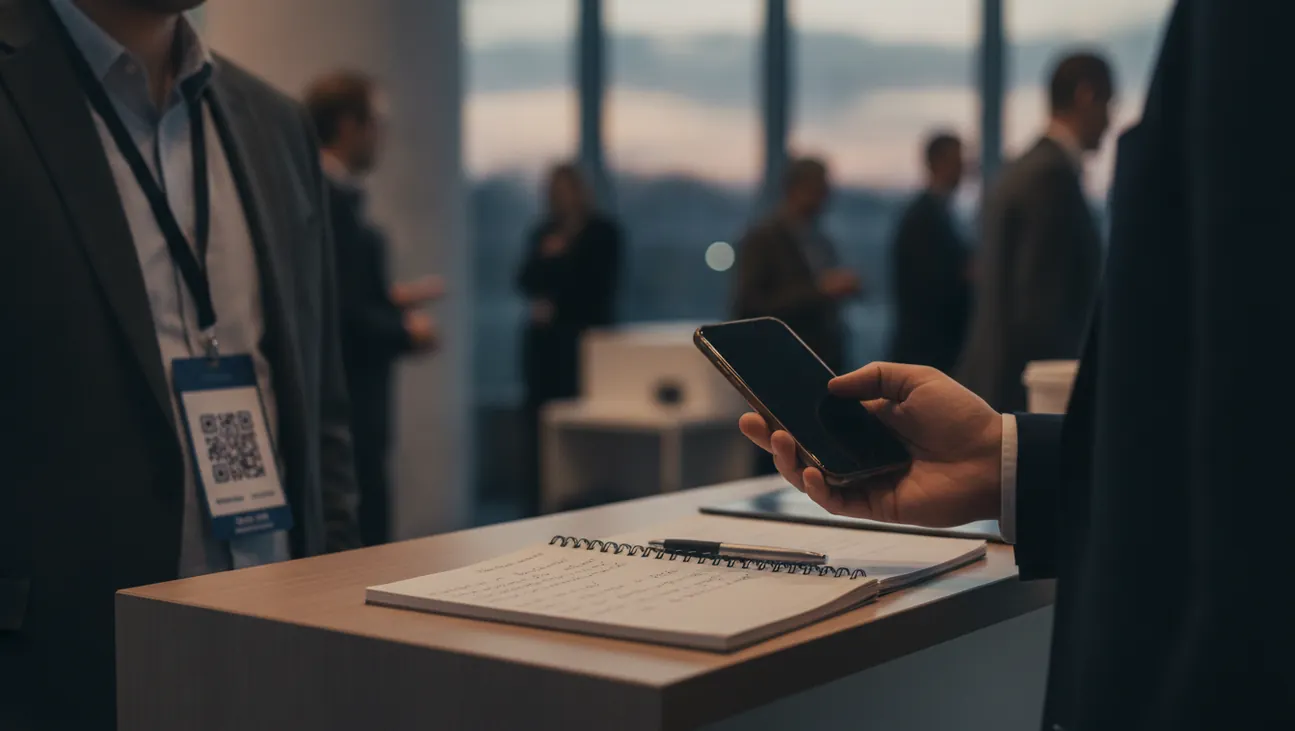
A badge scanner is an app or device that reads the QR code or barcode on an attendee's badge and pulls up the registration data the organizer shares with exhibitors. At B2B events this is called lead retrieval, and it turns a booth conversation into a contact record you can qualify and follow up.
What a badge scanner captures and what it leaves out
A scan matches the code on the badge to the attendee's registration record. That is all it does. The fields you get are the ones the organizer chooses to share, and conference industry glossaries list the usual set as name, company, job title and contact information.
Two limits shape how you use it. First, you only see what the organizer releases. Second, lead retrieval generally captures people who stop at your booth, not everyone walking the hall, as VenueSight explains in its comparison of lead retrieval and badge scanning.
| The scan gives you | You still have to add |
|---|---|
| Name and company | Why they stopped at your booth |
| Job title | Whether they own the problem or the budget |
| Contact details the organizer shares | Their timeline and what they said they would do next |
| A timestamp and booth link | Your next action and the date you will take it |
That right-hand column is where a contact becomes a lead. If you want a clean definition of the difference, what counts as a lead is worth a read before you design your booth questions.
Show scanner or your own lead retrieval app
Most exhibitors start with the scanner the show sells. A 2012 Center for Exhibition Industry Research (CEIR) figure, reported by B2Brain, says 74% of exhibitors used organizer-provided lead retrieval and 59% also collected paper forms or business cards. In a 2026 B2Brain survey of 934 exhibitors at 21 North American shows, 379 responded. Of those, 65% used the show-provided scanner or app and 17% used their own lead-capture app. ContactOut reports that 72% of B2B exhibitors used electronic lead capture in 2023.
Read those as a picture of common practice, not a verdict on which tool wins. The practical differences are about access. Some systems deliver data through the event's platform, and the timing can be after the show rather than during it. If you want the records in your hands the same day, or you want to capture people whose badges you cannot scan, a lead retrieval app of your own fills the gap, and our roundup of top business card scanners covers the card side.
One option is LeadRel, made by the team behind LinkedLeads. It combines a badge scanner and business card scanner with AI notes, drafted follow-ups and CRM integrations, and every QR code business card works alongside it. Whatever you pick, the questions below matter more than the brand. For the wider picture beyond scanning, see our guide to capturing leads beyond the badge.
How to set up your badge scanner before the show
Lead retrieval systems can support qualifying questions, ratings and notes, according to EventReps and the Conference Database glossary. Those features only help if you decide how to use them before the doors open.
- Write three qualifying questions. Make them answerable in one sentence, for example "What are you using today?", "When do you need a decision?" and "Who else is involved?"
- Agree a rating scale. Use 1 to 3 and define each number in one line. A 3 means a named next step with a date.
- Decide where the data lands. Sources describe export to a spreadsheet or CRM. Do not leave records sitting only in the event portal.
- Name a follow-up owner for every lead. One person, one deadline, written down before the first scan.
- Test a scan with a colleague's badge or a sample code. Check that notes save and that the export has the columns you expect.
Your qualifying questions can borrow from the BANT qualification questions, trimmed to what a person will answer standing at a booth.
What to record right after each scan
The best moment to add context is while the person is still standing in front of you, or within minutes of them leaving. Memory fades by the evening of day one, and by day three every conversation sounds the same.
Use a fixed note format so your future self can sort the pile quickly. This one fits on a phone screen:
Need: [problem in their words]. Timing: [month or event]. Role: [owner, influencer, user]. Next step: [action] by [date]. Rating: [1 to 3].
Example, written for you to adapt: "Need: replacing a spreadsheet for event leads. Timing: before Q3 show. Role: owner. Next step: send pricing comparison by Thursday. Rating: 3." That note drives a specific email. "Good chat" drives nothing.
Why scan count is the wrong score for a badge scanner
A big number on the last afternoon feels like success. It is a contact count. EventReps, a vendor in this space, says typically only 10% to 25% of raw scans are sales-qualified. Its methodology is not published, so treat the range as directional, but the logic holds on its own. If you scan 200 badges and that range applies, you are looking at roughly 20 to 50 leads worth a real sales conversation.
Track two numbers instead of one. Report the qualified-lead rate, which is qualified leads divided by scans, and report how many of those leads got a first follow-up. A simple lead scoring model for events turns your 1 to 3 ratings into a ranking sales can work from on Monday morning.
The follow-up gap after trade show lead capture
Capturing a lead and following up on it are separate jobs. EventReps claims 80% of trade-show leads receive no meaningful follow-up, and BoothIQ claims 79% never receive follow-up. Both are vendor-published and neither names its underlying study, so do not quote them as an industry benchmark. They do point in the same direction, and anyone who has returned from a show with 300 unopened contacts will recognize the pattern. BoothIQ also claims 47% of exhibitors track leads through the sales cycle.
The fix is boring and works. Rank your leads by rating, send the 3s a personal email the next business day, and put the rest into a slower sequence. Our guide to the sales follow-up email after meeting has copy-ready templates. Each message should refer to the note you took, which is why the note format above matters.
The booth is where you decide who you are
Picture day two, 4 pm, feet aching, a queue at the booth. The easy identity is the collector, the person who scans everyone and sorts it out later. The stronger identity is the person who follows up, who treats each scan as a promise made on behalf of their company.
You build that identity with small acts, repeated. Before the show, write one sentence and put it where you can see it, for example "I am the person who replies within one business day." At the booth, add a note to every scan you intend to pursue, and skip the scan when there is no real interest. After the show, send the first five emails before you open anything else.
A booth is one channel inside a wider B2B lead generation approach, and the way you handle it shows the rest of your team how seriously you take people's time. If you are still planning the space itself, booth ideas that start conversations pairs well with the scanning setup above.
Limits of badge scanning to keep in mind
You receive only the registration fields the organizer shares, and registration data can be incomplete or out of date. Scanning captures contact records, and no study we found shows a scanner alone raises sales. That depends on your qualification and follow-up. Privacy rules for contacting scanned attendees depend on your location, the organizer's terms and the consent given, so read the show's terms before you add anyone to a marketing list. Treat vendor statistics, including those quoted here, as signals rather than proof.
Questions people ask about badge scanner
What is a badge scanner?
A badge scanner is an app or device that reads the QR code or barcode on an attendee's badge and matches it to the registration data the organizer shares with exhibitors.
What is lead retrieval?
Lead retrieval is the exhibitor-facing system that records booth visitors through badge scanning, often with notes, ratings, qualifying questions and export to a spreadsheet or CRM.
Can a badge scanner run on a phone?
Yes. A badge scanner can be a dedicated device or an app, and the app version reads the badge code and pulls up the same registration record.
What data does a badge scanner capture?
It captures only the fields the organizer shares, commonly name, company, job title and contact information. Anything about needs or timing comes from your own notes.
Is every badge scan a qualified lead?
No. EventReps, a lead retrieval vendor, says typically only 10 to 25 percent of raw scans are sales-qualified, so a scan is a contact record, not proof of intent.
Does a badge scanner capture every attendee?
No. Lead retrieval generally captures people who stop at your booth, not everyone at the event, according to VenueSight's comparison of lead retrieval and badge scanning.
Do exhibitors use the show's own scanner?
Mostly, yes. In a 2026 B2Brain survey with 379 respondents, 65 percent used the show-provided scanner or app and 17 percent used their own lead-capture app.