 LinkedLeads
Digital business card: what it is, how to make one, and how to get leads from it
By the LinkedLeads team. Updated .
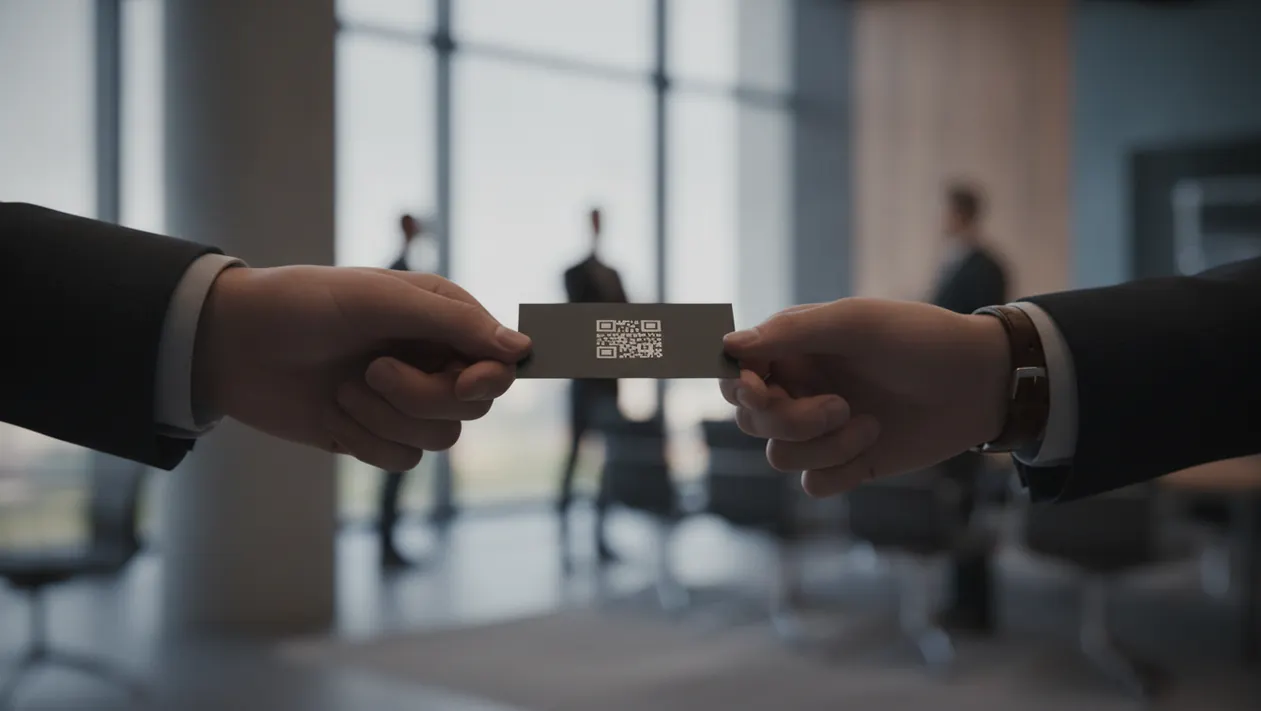
A digital business card is an online professional profile with your contact details and links, shared by URL, QR code, NFC, email or messaging app. Unlike paper, you can update it after you hand it out, and some versions add lead forms, booking links and analytics. It is a routing tool for your contact details, so what it does for you depends on what you put on it and what you do after someone scans.
What a digital business card contains
Think of it as a one-screen web page built for a phone. The basics are your name, role, company, photo, phone, email and a button that saves your details to the recipient's contacts as a vCard file explained in plain terms. Spreadly and Tapitag, two vendors that publish guides on the format, also describe optional extras such as lead-capture forms, appointment links, social profiles and CRM connections.
The card is the destination. The QR code, NFC tap, link, email or message is just the way someone reaches it. That distinction matters, because you can change the destination without reprinting anything. If you want the QR side in detail, our QR code business card generator builds one that saves a contact directly.
Digital business card vs paper card
Paper works with no battery and no signal. Digital does more after the handshake. Here is how they compare on the points that affect leads.
| Point | Paper card | Digital business card |
|---|---|---|
| Change a phone number or title | Reprint and redistribute | Edit the page once |
| Next action for the recipient | Whatever fits on the card | Form, booking link, website or social profile |
| Activity data | None | Scans and engagement in products that offer analytics |
| What the recipient needs | Nothing | A compatible phone, camera and connection |
| How it fails | Lost, outdated, thrown away | Broken or expired link, redirected QR code, vendor outage |
Digital has more features. That does not prove it converts better than paper, so treat it as something to test, not assume. Step 7 below shows how.
How to create a digital business card in 8 steps
- Write your identity line first. One sentence on who you help and what changes for them. Everything else on the card supports it.
- Pick the sharing format. A web link plus a QR code covers nearly every phone. Add a tap-to-share card if you meet people in person all day, and read our guide to NFC business cards before you buy hardware.
- Build a mobile page. Name, role, photo, a save-contact button and links. Keep it readable without zooming.
- Choose one next action. Book a call, request a quote or download a resource. One clear button beats six equal ones.
- Keep the form short. Ask only for what you need to follow up, usually name, email and one line about what they want. Tell people how you will use their data.
- Connect it to your CRM or workflow tool. Platform sources describe CRM integrations and automated workflows, so a submission should land somewhere you will actually see it.
- Tag and test. Give each salesperson, event, campaign and card version its own identifier. Then compare against a control, such as your current card, an event-specific landing page or a direct booking link. Without a control you cannot tell what the card added.
- Put the code everywhere. Add it to your email signature, badge, slide deck and printed card. Our email signature generator makes a signature you can paste straight into your mail client.
What to put on your card to say who you are
A card is the shortest public statement of who you are professionally. Most people fill it in on autopilot and end up describing the job they had two roles ago.
Try this today. Write the line three ways, then say each one out loud to an imaginary stranger at a coffee station. Keep the one you would not wince at.
I help [type of buyer] get [specific result] without [the usual pain].
Example for a founder selling scheduling software to clinics. "I help small clinics cut missed appointments without hiring more front-desk staff." Compare that with "Founder and CEO." The first gives the other person a reason to scan. The second gives them a title.
The identity-first move is to write the line for who you are becoming in this role, then act in ways that match it. If your card promises a fast reply, answer fast. If it promises a specific result, your first follow-up should mention it.
How to share a digital business card
- Show the QR code on your phone, badge, slide or printed card.
- Tap an NFC card or phone against the other person's phone.
- Send the link by email or a messaging app after a call.
- Put the link in your email signature so every thread carries it.
Offer the link in the moment, not at the end of a conversation. "Want me to send you my card? It has my calendar on it" turns the exchange into the next step.
How to tell whether a digital business card produces leads
A scan shows that someone opened the page. It does not show that they have a need, a budget or a decision to make. Curiosity causes plenty of scans. Track the stages separately so you can see where people drop off.
- Card shared
- Scan or link open
- Landing-page visit
- Contact saved
- Form completed
- Meeting booked
- Qualified lead
- Opportunity
- Revenue
Your own numbers at each stage are the benchmark that matters, because no published scan-to-revenue rate exists for digital cards. Start by agreeing what a qualified lead means on your team, using our guide to choosing a digital business card to shortlist tools that record these events. Then fit the card into a wider B2B lead generation routine so the contacts it collects get worked, not just counted.
Using a digital business card at events
Events are where cards get exchanged in bulk, and where follow-up usually breaks. A QR-code trade-show guide from Supercode reports that 80% of trade-show leads are never followed up. The same guide cites MarketingProfs, 2025, saying 89% of B2B marketers found that capturing and using event data positively influenced their marketing strategy. It also reports that 95% of businesses using QR codes for event lead capture improved how they collect first-party data.
Capture is the easy half, especially if you use one of the best business card scanner apps to log paper cards. Send the follow-up within a day, while the conversation is still fresh, and refer to something specific you discussed. A template you can copy.
Subject: Good to meet you at [event]
Hi [first name], I enjoyed our chat about [topic]. As promised, here is [resource or link]. If it helps, you can pick a time with me here: [booking link].
For more variations, see our guide to the sales follow-up email.
If you want capture and follow-up in one place, LeadRel, made by the team behind LinkedLeads, offers QR code business cards, a badge scanner and business card scanner, AI notes and drafted follow-ups, plus an email signature and meeting background with every card. It connects to Gmail, Outlook, calendars, Slack, Zapier and CRMs, with HubSpot in beta.
How common digital business cards are
Adoption is rising, though paper has not disappeared. QRCode Tiger cites a 2020 survey in which 61% of respondents used physical business cards and 16% used digital cards. QRCodeChimp reports, citing Maximize Market Research, that 37% of small businesses and 23% of individuals had used a digital business-card app by 2025. In practice, many people carry both. A printed card with a QR code is a sensible bridge when you do not know who has a phone ready, and our roundup of creative business card ideas shows how to design one, while our breakdown of standard business card dimensions helps you pick a format that fits.
Limits and risks of digital business cards
Most figures about digital cards come from vendors and secondary reports, so read them as direction, not proof. Recipients without a compatible phone or connection cannot open your card. A broken or expired link makes it useless. QR codes can be replaced or redirected to malicious pages, so check what yours points to before every event. Forms and CRM sync collect personal data, and the legal duties depend on where your contacts live. Analytics, hosting and integrations may depend on a third-party vendor.
Questions people ask about digital business card
How to create a digital business card?
Write one line about who you help, build a mobile page with contact details and one next action, add a QR code or NFC link, and connect form submissions to your CRM.
What is a digital business card?
An online professional profile with your contact details and links, shared by URL, QR code, NFC, email or messaging app, and editable after you share it.
What do people use instead of paper business cards in 2026?
Digital cards shared by QR code, NFC tap or link. QRCodeChimp reports Maximize Market Research found 37% of small businesses and 23% of individuals had used a digital business card app by 2025.
Does a digital business card generate leads by itself?
No. It can include forms, booking links and CRM connections, but a scan is not a qualified lead until someone confirms need, authority and intent.
Can you update a digital business card after sharing it?
Yes. Because the card is an online page, changing your title, phone number or links updates what anyone sees the next time they open it.
How do you share a digital business card?
Send the link, show a QR code, tap an NFC card or phone, email it, or paste it into a messaging app. The recipient needs a compatible device and connection.
Is a QR code on a business card safe?
QR codes can be replaced or redirected to malicious pages, so print them on your own materials, test the destination before events, and use a link you control.