 LinkedLeads
NFC business card: what it does and how to set one up
By the LinkedLeads team. Updated .
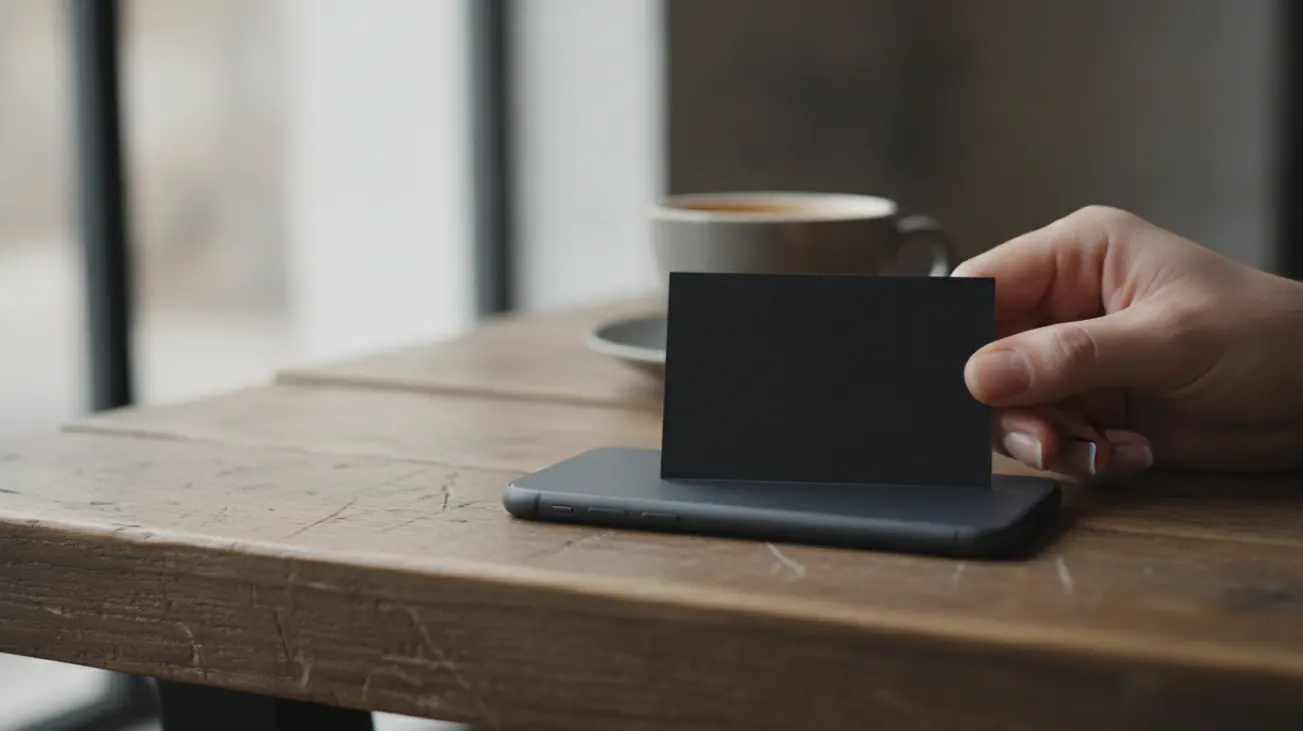
An NFC business card is a physical card with a small chip that opens a link when someone taps it with a phone. The chip usually stores a URL, not a full contact record, so the page behind the tap decides whether you get a lead or just a moment of curiosity.
What an NFC business card does
A phone held near the card reads the tag and opens the stored URL. That page can hold a profile, contact details, a booking link, social profiles or a lead-capture form. NFC only works at short range, which is why the card has to be handed over or held up.
Treat the card as a lead-routing tool, not a lead-generation system. The tap starts a nearby digital interaction. A lead exists only when the person fills in a form, saves your contact or books a meeting. That makes it one piece of your wider B2B lead generation setup, and the piece after the tap matters more than the chip.
If you are weighing formats, our guide to the digital business card covers the whole category, our roundup of the best digital business cards compares options, and the page on the QR code business card covers the closest alternative.
Your card is a one-screen version of who you are
The tap hands a stranger one screen. In about five seconds that screen answers a single question: who is this person and why should I care? Most people never decide the answer. They paste a job title, a logo and six links, and let the reader guess.
Do this exercise before you order anything. Write the sentence you want a stranger to repeat about you after the tap:
I help [who] with [specific problem]. Book 15 minutes, or download [one useful thing].
If you cannot fill the brackets, the problem is not the card. It is that you have not yet chosen who you are in this market. Our elevator pitch examples give you wording to start from. Pick the version you would say out loud at a booth, then put exactly that on the page.
What the tap should open
Send people to a page built for one decision.
- One primary action, such as "Book a meeting" or "Download the case study".
- Your one-line promise above the fold, in the words from the exercise.
- A save-contact option (ideally a downloadable vCard file explained in our guide) and your social profiles below the main action, not competing with it.
- Only the personal data you need, with a plain statement of why you collect it.
Collecting less is not a handicap. Privacy by Design is named as a relevant principle for NFC applications in a technical document hosted by the USPTO, and it is also simply easier to trust a page that asks for an email and nothing else.
How to set up an NFC business card, step by step
- Choose a short HTTPS URL on a domain you own. You can change where it points later without replacing a single card.
- Build the landing page with one primary action.
- Create a unique URL for each salesperson or campaign, and add UTM parameters. Taps, page visits, form submissions and meetings can then be measured separately.
- Connect form submissions to your CRM so every capture gets a follow-up. Do not assume the connection raises conversion. It makes follow-up possible, and speed after that is on you. Our sales follow-up email guide has templates.
- Write the URL to the tag, then inspect the tag after programming. Tap it on an iPhone and an Android phone and check where it really lands.
- Print a QR code on the card as a fallback for phones that do not support NFC or have it switched off.
- Rehearse the handoff, using these practical networking tips for events as a guide. Say what the tap will do, show the destination URL, and offer to send the details manually if the tap fails.
Buying a card or making your own
Writing a URL onto a blank tag is the easy part. The page, the tracking and the follow-up are the work, whether you buy a finished card or make one yourself. Before you commit to a provider, ask four things. Can I change the URL later? Who owns the domain? Can I export analytics and contacts? What happens to the profile if I stop paying? Hosted digital-card platforms can control analytics, profile availability and data export, and that lock-in is easy to miss when you buy.
If your main goal is capturing leads at events and getting follow-ups drafted, LeadRel, made by the team behind LinkedLeads, is a digital business card app with QR code cards and AI lead capture, and our comparison of top business card scanner apps covers tools for scanning paper cards you receive. Our page on lead capture explains how to decide what to collect and where it should land.
Where an NFC business card fails and how to fix it
| Risk | What it looks like | Fix |
|---|---|---|
| Device or settings | NFC is unsupported or switched off | QR code fallback printed on the card |
| Trust | The prospect will not tap a link they cannot see | Show the URL, offer manual contact |
| Tag tampering | Tags can be cloned or rewritten | HTTPS on your own domain, inspect the tag, monitor redirects |
| Broken destination | Expired domain or changed profile makes every card useless | Own the domain, check the URL monthly |
| Measurement | A tap is counted as a lead | Track form submissions and meetings, not taps |
NFC business card security and privacy
The USPTO-hosted technical document on mobile NFC says the short operating distance can reduce some privacy risks compared with longer-range RFID. The same document lists tag cloning, corrupted tag data, misleading requests and privacy threats. Security therefore depends on the tag, the URL, the website, the phone and how the data is handled.
A 2024 systematic literature review on cybersecurity in NFC transactions covered encryption, authentication, tokenization, biometric authentication and fraud detection. It concerns NFC transactions in general, not business cards, so use it as a reminder that the link and the page need protection, not as a conversion benchmark.
What NFC business card statistics actually say
Market sizing varies widely. A Growth Market Reports estimate puts the global NFC business card market at USD 32.4 million in 2025 and USD 98.7 million by 2034. A separate commercial source estimates USD 19.47 million in 2023 and USD 50 million by 2030. Those two do not line up, so check the underlying report before quoting either.
Performance claims need more care. Vendor and commercial sites say NFC cards bring 16% more leads than QR codes, that digital cards lift follow-up rates by 35%, or that lead-capture efficiency improves by 45%. None of them publish a sample size, a control group or a definition of a lead. Treat them as marketing, not benchmarks.
The better move is to run your own test. Split comparable salespeople, events or prospects between NFC, QR and paper cards. Define in advance what counts as a lead, a meeting, an opportunity and revenue. Record sample size, how many people saw each card and the follow-up period. People who tap may already be more interested or more comfortable with technology, so compare groups, not enthusiasts.
Limits to keep in mind
A tap is not a qualified lead, an opportunity or revenue. Some phones cannot read NFC, and Growth Market Reports names compatibility limits and older devices as adoption barriers. Landing pages can collect device and behavior data as well as contact details, so decide what you keep. And a broken URL or lapsed domain breaks every card you have already handed out.
Questions people ask about nfc business card
What does an NFC business card do?
It opens a link on a phone when tapped. That link usually leads to a profile, contact details, a booking page or a lead-capture form.
What are the downsides of NFC business cards?
NFC can be disabled or unsupported on a phone, tags can be cloned, people may hesitate to tap a link they cannot see, and a tap is not a qualified lead.
How do I get an NFC card?
Buy one from a card provider or write a URL to a blank NFC tag yourself. Either way, build a landing page with one clear action and test the tap.
Can I make my own NFC business card?
Yes. Program a short HTTPS URL onto an NFC tag, put it in a card, and check what opens after programming. The landing page is the real work.
Is an NFC business card secure?
Tags can be cloned or rewritten and may point to misleading links. Use HTTPS on your own domain, monitor redirects and inspect the tag after programming.
Do NFC business cards work on every phone?
No. Older devices and phones with NFC switched off cannot read them, so print a QR code fallback on the card.
Do NFC business cards get more leads than QR codes?
No independent study establishes it. The 16% claims come from vendor sites with no published sample, so test both with your own audience.